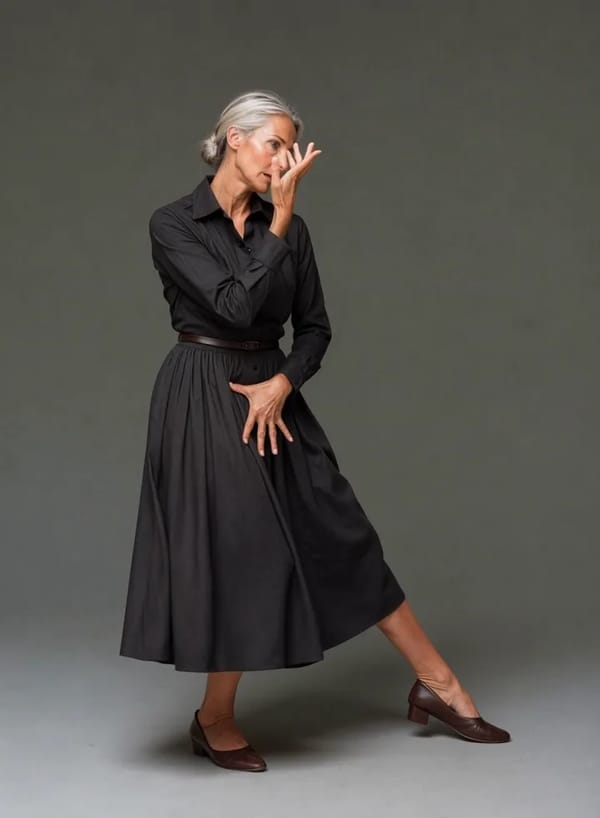
사진 한 장이 춤을 춥니다
춤을 고르고, 얼굴이 잘 나온 사진 한 장만 올리세요. Pixalto가 당신이 춤추는 세로형 영상을 만들어 드립니다. 같은 얼굴, 진짜 안무, 원곡 그대로. iPhone과 Android의 Pixalto 앱에서 사용할 수 있습니다.
클릭하여 업로드 또는 드래그 앤 드롭
SVG, PNG, JPG 또는 GIF (최대 2MB)
AI 댄스 사용법
춤 하나, 사진 한 장, 그리고 몇 분. 전부 Pixalto 앱 안에서 끝납니다.
Pick a dance
Browse the library by category and swipe through full-screen previews until one lands.
Add one photo
A clear, well-lit photo of yourself — full body works best. One person per video.
Get your video
A vertical clip with your face and the original track, a few minutes later. Save it or share it straight from the app.
올리기 위해 만들어졌습니다
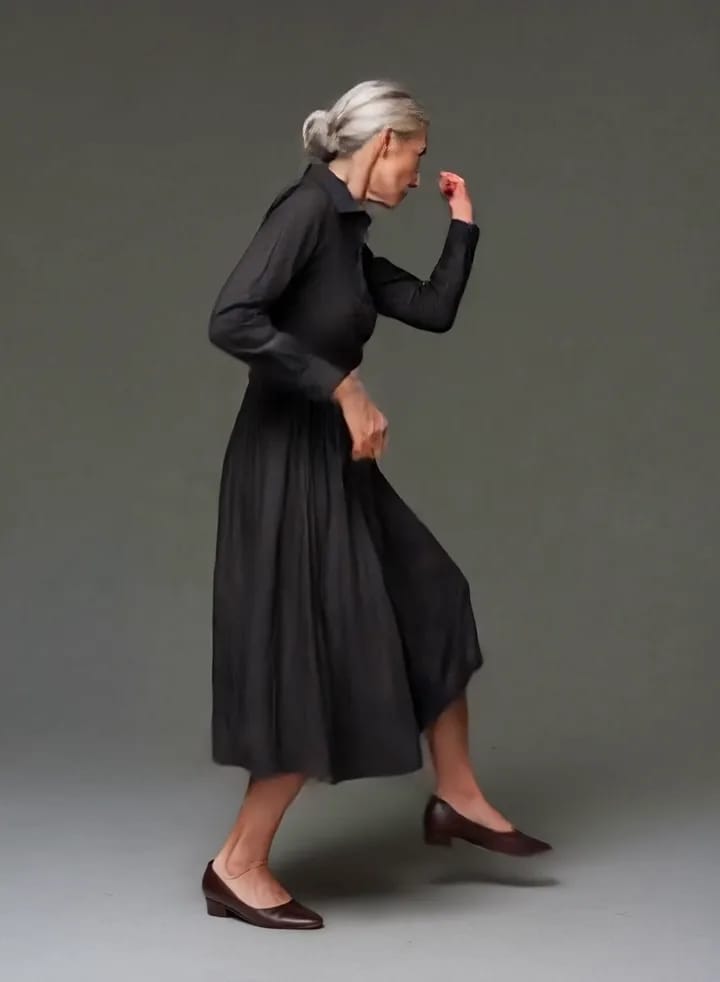
Real choreography, not a wobbling photo
Every dance in the library is a licensed motion clip performed by a real dancer. Your photo is matched into that dance's opening frame and then animated to the actual choreography, which is why the result moves like a person dancing rather than like a still image being nudged around.

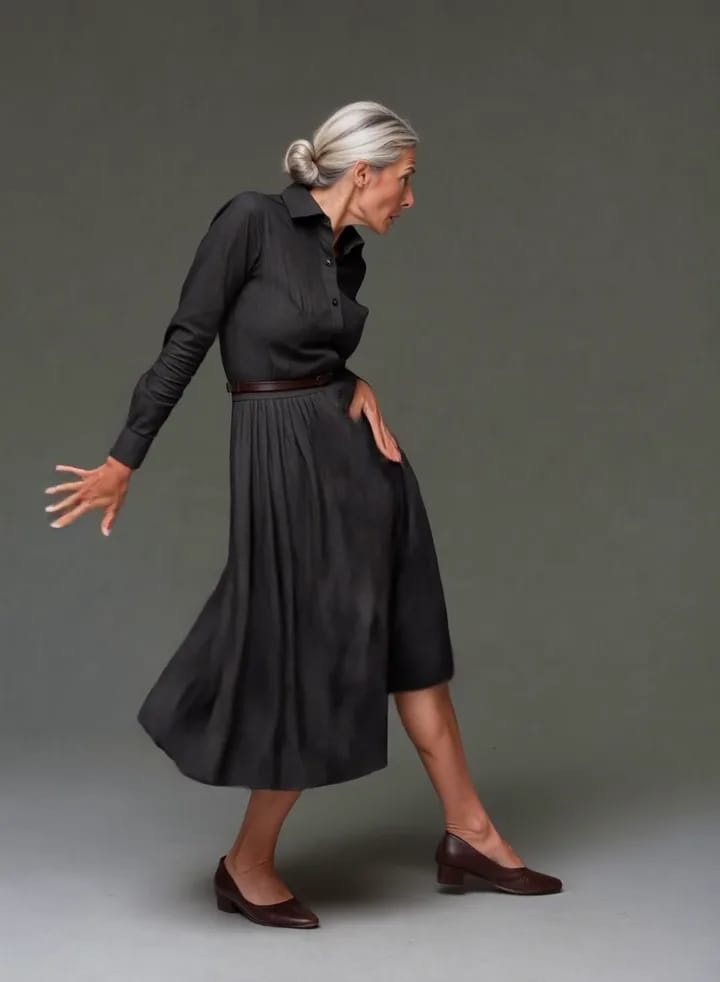
Your face, held for the whole clip
The hard part of a dance video is not the movement, it is staying recognisably yourself while it happens. Pixalto builds the first frame from your photo with your face, hair, skin tone and build preserved, then instructs the animation to hold that identity end to end — no drift, no wardrobe changes, no second person appearing halfway through.

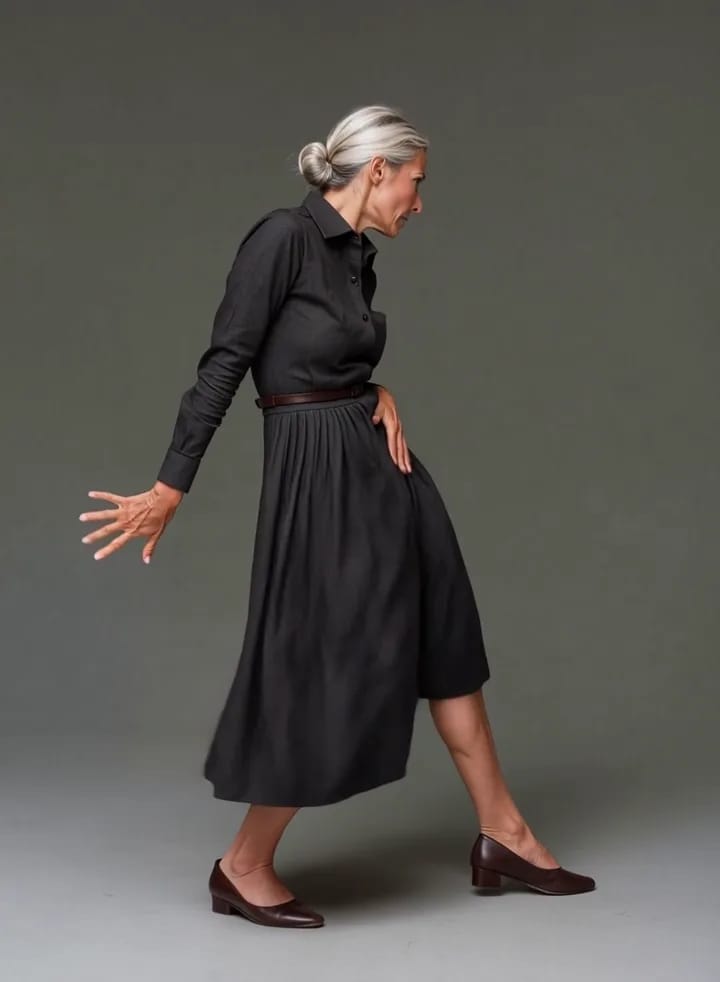
Vertical, with the original track
Dances come back as 9:16 video with the audio from the original clip, sized for Reels, Shorts and TikTok. Save to your camera roll or share straight from the app — and every generation lands in your Pixalto history alongside the rest of your work.

자주 묻는 질문
서비스에 대한 일반적인 질문의 답변을 확인하세요
다른 도구 탐색
AI로 구동되는 더 많은 마법을 발견하세요