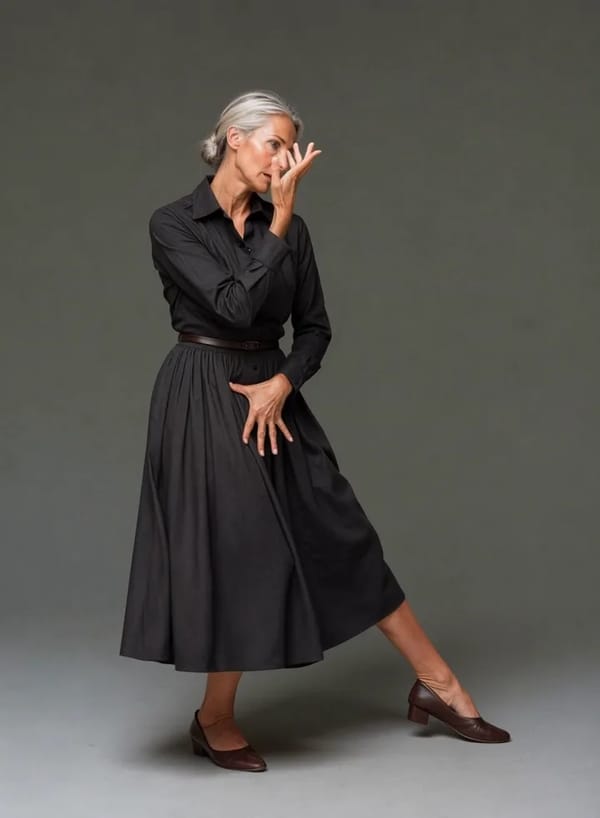
一張照片,變成讓人停下滑動的小紅書封面
上傳一張照片、挑一種風格,Pixalto 約 20 秒就會產出 3:4 的小紅書封面:明亮高飽和的生活感構圖,並預留放標題的空間。八種風格、完整解析度下載,不需要任何設計軟體。
點擊上傳 或拖放檔案
SVG、PNG、JPG 或 GIF(最大 2MB)
三步驟做出小紅書封面
上傳一張照片,直接得到可用的封面——不需要設計軟體,也不用找模板。
Upload your photo
A phone photo works. Product, outfit, food or selfie — whatever the post is about.
Pick an aesthetic
Eight looks tuned to what performs on RedNote, plus an optional note for materials, colours or mood.
Download and add your title
Full-resolution 3:4 or 9:16, composed with clean space for the headline you add in RedNote.
為小紅書創作者打造
Eight aesthetics built for the RedNote feed
Clean Girl, Soft Beige, Food Flatlay, Travel Diary, Outfit Grid, Cozy Home, Vibrant Pop and Retro Film. Each carries its own palette, lighting temperature and prop language rather than just a colour filter, so a skincare flatlay and a travel diary cover do not come out looking like the same image twice.


Composed with room for your headline
RedNote covers live or die on the title. Every layout leaves an uncluttered band where a headline normally sits, so your text stays readable instead of fighting the subject. The tool deliberately does not draw the text itself — generated Chinese characters come out subtly wrong, and a malformed character on a cover reads as spam.


Your photo, restyled — not replaced
The cover is an edit of the image you upload, so the product, outfit or face in the result is the one you photographed. Shape, colour and identifying detail carry through while the lighting, palette, props and framing change around them. Download at full resolution in 3:4 for the standard feed or 9:16 for full-bleed.


常見問題
尋找有關我們服務的常見問題解答
探索其他工具
探索更多由 AI 驅動的魔法