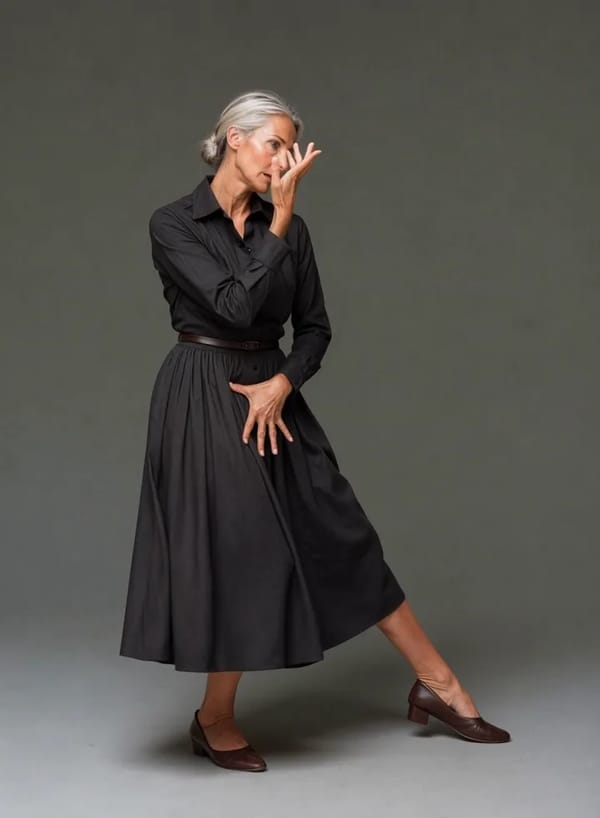
一张照片,跳出一支舞
挑一支舞,放上一张清楚的个人照片,Pixalto 就会返回一支有你在里面的竖版跳舞视频:同一张脸、真实编舞、原本的音乐。请在 iPhone 与 Android 的 Pixalto App 使用。
点击上传 或拖放文件
SVG、PNG、JPG 或 GIF(最大 2MB)
AI 跳舞怎么用
一支舞、一张照片、几分钟——全部在 Pixalto App 里完成。
Pick a dance
Browse the library by category and swipe through full-screen previews until one lands.
Add one photo
A clear, well-lit photo of yourself — full body works best. One person per video.
Get your video
A vertical clip with your face and the original track, a few minutes later. Save it or share it straight from the app.
为了发布而生
Real choreography, not a wobbling photo
Every dance in the library is a licensed motion clip performed by a real dancer. Your photo is matched into that dance's opening frame and then animated to the actual choreography, which is why the result moves like a person dancing rather than like a still image being nudged around.

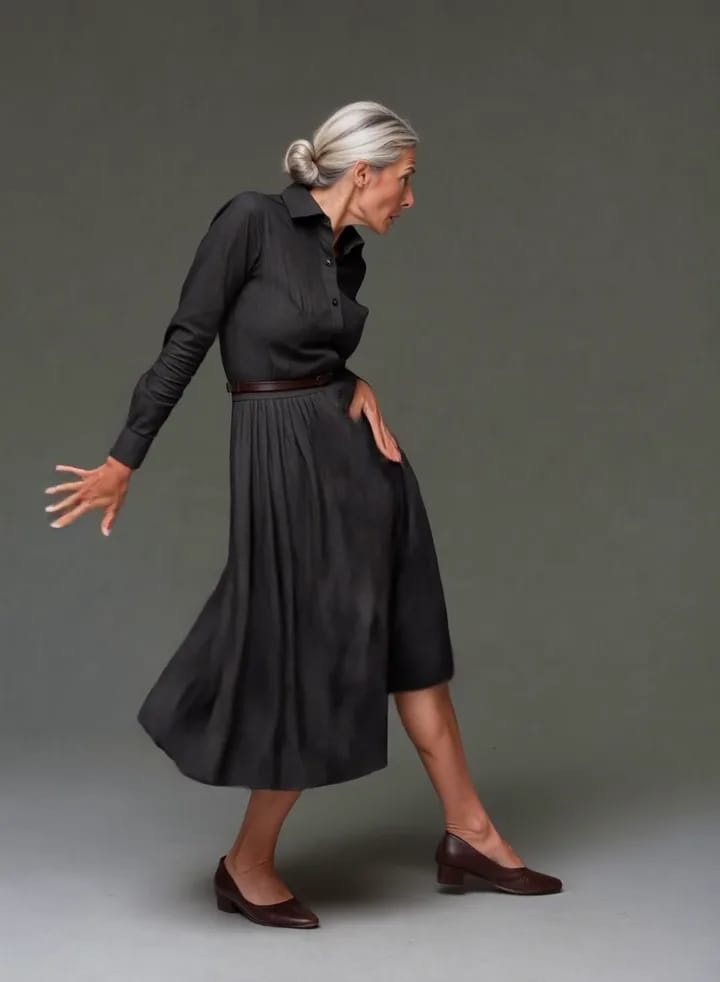
Your face, held for the whole clip
The hard part of a dance video is not the movement, it is staying recognisably yourself while it happens. Pixalto builds the first frame from your photo with your face, hair, skin tone and build preserved, then instructs the animation to hold that identity end to end — no drift, no wardrobe changes, no second person appearing halfway through.

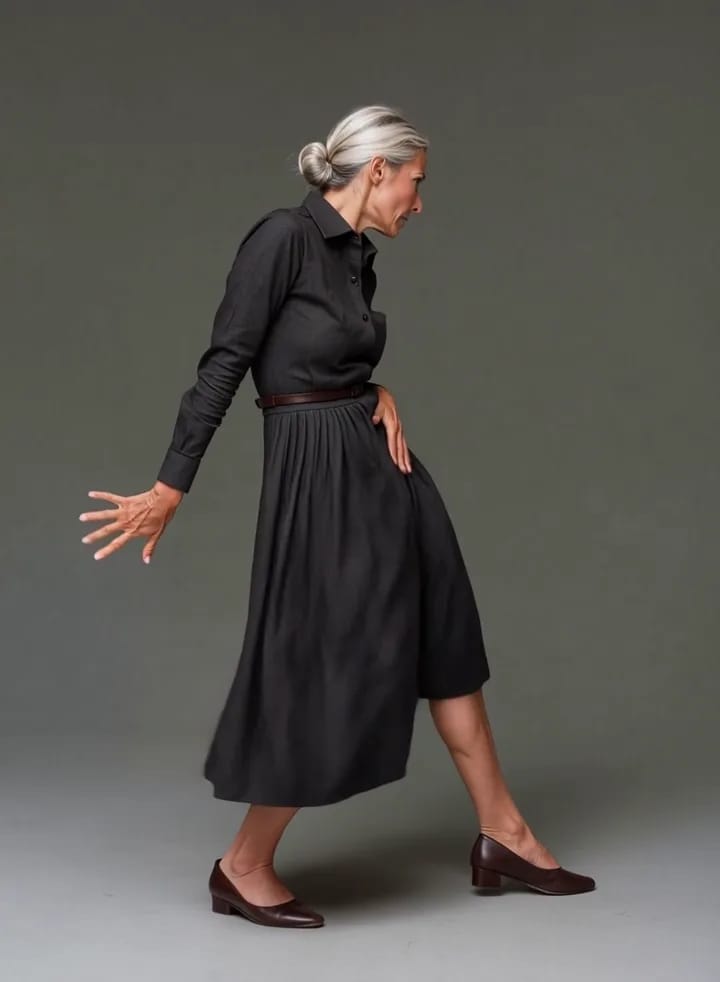
Vertical, with the original track
Dances come back as 9:16 video with the audio from the original clip, sized for Reels, Shorts and TikTok. Save to your camera roll or share straight from the app — and every generation lands in your Pixalto history alongside the rest of your work.

常见问题
查找有关我们服务的常见问题解答
探索其他工具
发现更多由 AI 驱动的魔法